
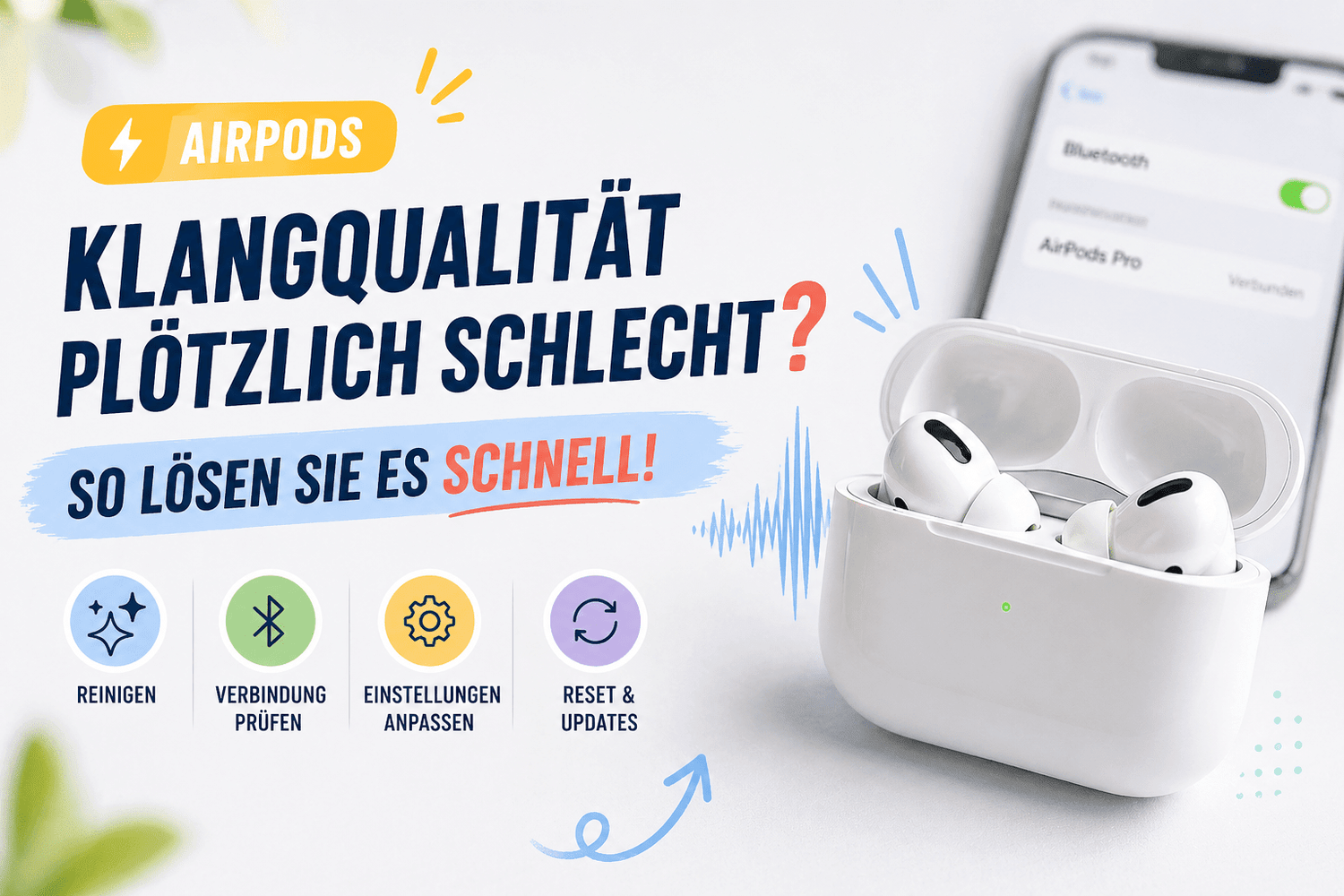
Quick solutions at a glance
AirPods are a daily companion for many Apple users. They’re easy to use, connect quickly, and usually deliver clear sound. That makes it all the more frustrating when the sound quality suddenly drops. Music sounds muffled, conversations sound distorted, or the volume is uneven.
The good news is that most causes are easy to identify and quick to fix. In this guide, I’ll walk you through possible causes step by step and show you how to solve the problem. We’ll also explore alternatives like Bluetooth headphones, over-ear headphones, or wired models.
That way, we can see if switching is worth it.
The most common causes of poor AirPods sound quality
1. Dirty speakers are the classic culprit
The most common problem is often overlooked. Your AirPods collect dust, earwax, and dirt every day. This blocks the speaker grilles and significantly degrades the sound.
How can you tell?
- The sound is muffled or quiet
- High frequencies are completely missing
- One AirPod sounds different from the other
Quick fix
Gently clean your AirPods with a dry, soft cloth or a soft brush. Do not apply any liquid directly to the speakers.
2. Bluetooth connection is unstable
AirPods are wireless headphones. This means that the connection plays a crucial role. Interference can immediately degrade the sound.
Common causes
- Many devices nearby
- Wi-Fi and Bluetooth conflicts
- Long distance from the iPhone
Solution
- Turn Bluetooth off and back on
- Remove other connected devices
- Stay closer to your iPhone
If you experience frequent issues, it may be worth comparing other wireless earbuds, as some models offer more stable connections.
3. Low battery affects sound quality
A low battery can actually affect audio quality. This is particularly noticeable with older AirPods models.
Symptoms
- Sudden volume fluctuations
- Connection drops
- Distorted sound
Solution
Fully charge your AirPods. Then test the sound quality again.
4. Incorrect audio settings on the iPhone
Many users are unaware that settings on the iPhone directly affect the sound.
Check important settings
- EQ (Equalizer)
- Balance between left and right
- Volume limit
How to solve the problem
Go to Settings → Music → EQ and test different options or disable the EQ completely.
5. Software bug or outdated iOS
Sometimes the problem isn’t with the AirPods themselves, but with the software.
Signs of this
- Problems occur after an update
- Connection is intermittent
- Functions respond with a delay
Solution
- Update your iPhone to the latest version
- Reset your AirPods
How to reset AirPods
If nothing helps, a reset is often the quickest solution.
Steps
- Place the AirPods in the case
- Hold down the Setup button
- Wait until the LED flashes orange
- Reconnect the AirPods
This sounds simple, but it solves a surprising number of problems.
When the problem is hardware-related
If none of the solutions help, there may be a hardware issue.
Possible defects
- Damaged speaker
- Worn-out battery
- Defective microphone
In this case, a repair or replacement is worth considering.
When an upgrade is worth it
AirPods are great, but not perfect for everyone. If you experience regular issues, an upgrade might make sense.
Alternatives at a glance
Over-ear headphones
Ideal for better sound and comfort during long sessions. Over-ear headphones often offer stronger bass and better noise cancellation.
Bluetooth headphones from other brands
Many Bluetooth headphones now offer comparable or even better sound quality.
Brands like Soundcore or Marshall
Soundcore headphones are known for their good value for money.
Marshall headphones offer a very distinctive, warm sound.
Wired headphones
If you want maximum stability, wired headphones are still unbeatable. No connection issues, no latency.
Common mistakes many users make
Volume set too high
Constantly high volume can damage the speakers and degrade sound quality.
Inserting AirPods incorrectly
A poor fit directly affects audio quality. Try different positions.
Ignoring updates
Outdated software is one of the most common causes of problems.
Tips for consistently good sound
Regular cleaning
Cleaning once a week is often sufficient.
Proper storage
Always store your AirPods in the case to keep dust out.
Keep software up to date
Updates not only bring new features but often improve audio quality as well.
Conclusion
If the sound quality of your AirPods suddenly deteriorates, it’s usually due to simple causes.
Dirt, incorrect settings, or a poor connection are often to blame. Most problems can be fixed in just a few minutes.
If the issues persist, it’s worth looking into alternatives like over-ear headphones, Soundcore headphones, or even classic wired headphones.
Ultimately, the goal is to get back what you expect: clear, clean, and reliable sound.
Frequently Asked Questions (FAQs)
1. Why does one AirPod sound quieter than the other?
This is usually caused by dirt or an uneven audio setting. Carefully clean both AirPods and check the balance in your iPhone settings. This often resolves the issue immediately.
2. Does Bluetooth really affect sound quality?
Yes, an unstable connection can significantly degrade the sound. Interference from other devices or a long distance from the iPhone often leads to dropouts or muffled sound. In such cases, some Bluetooth headphones from other brands perform more reliably.
3. Can a software update fix sound issues?
Absolutely. Many sound issues are caused by bugs or outdated systems. A recent iOS update can improve audio quality and resolve connection issues. That’s why updates should be installed regularly.
4. When should I replace my AirPods instead of repairing them?
If sound quality remains poor despite cleaning, resetting, and updating, there is often a hardware issue. In such cases, switching to over-ear headphones, Soundcore headphones, or even wired headphones may be worth considering, depending on your usage and sound requirements.